

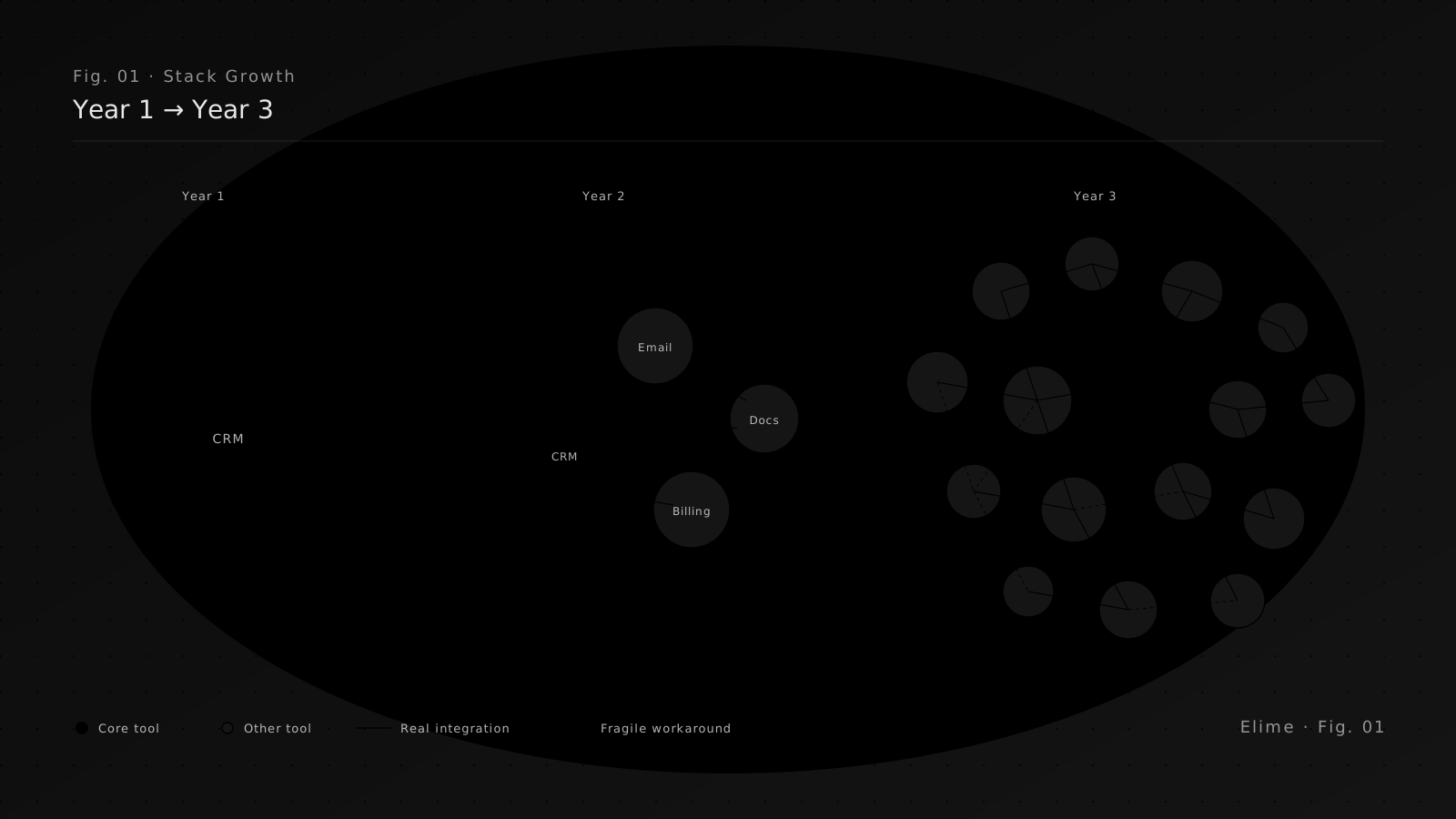
Nobody plans a bloated stack. You start with one tool, then another for a specific problem, then a third because a new hire was used to it, then a fourth because the second one didn’t integrate with the first. By the time someone runs the numbers, you’re paying for forty subscriptions and nobody knows what half of them do.
SaaS sprawl is the default state of a growing business in 2026. It isn’t a failure — it’s what happens when a team solves problems as they arise. The question is how to find the sprawl, what to do about it, and how much it’s quietly costing.
Why Sprawl Costs More Than You Think
The line-item cost of a SaaS subscription is only the tip. The hidden costs are where businesses lose serious money every year, and almost none of it shows up in your accounting software as “software.”
- Duplicate tools. Two notes apps, three project trackers, two CRMs someone spun up for different teams.
- Zombie subscriptions. Seats for people who left. Plans that auto-renewed at double the price. Trials that quietly became annual commitments.
- Integration tax. Zapier connections, custom API glue, manual exports between tools that were never meant to talk to each other.
- Context tax. Time spent switching between twelve browser tabs to get the full picture of a single customer or project.
- Security surface area. Every tool is an account, a set of credentials, and a place where sensitive data might live. Most audits ignore the tools nobody remembers anymore.
A tool you forgot about is still sending invoices, still holding customer data, and still someone’s problem to clean up later.
The 60-Minute Stack Audit
You don’t need a consultant or a platform to get a high-quality picture of your own sprawl. You need one hour, a spreadsheet, and a little honesty.
Step 1 — Pull the bills
Open your credit card statements and accounting exports for the last twelve months. Filter for anything that looks like software. Export the list.
Step 2 — Add the ones nobody paid for
A lot of tools don’t show up on a bill — free tiers, tools a contractor set up, browser extensions with company accounts. Ask each team lead for a one-line list of everything they use weekly. You’ll find at least five tools nobody’s paying for and five more nobody remembers exist.
Step 3 — Tag each tool with one of four labels
- Core. Losing it would visibly hurt the business tomorrow.
- Useful. Helpful, but we could live without it or do the job another way.
- Redundant. Something else we pay for already does this.
- Unknown. Nobody can clearly explain what this is for.
Step 4 — For every tool, record three numbers
- Annual cost.
- Number of active users (not seats — people who actually log in).
- A rough estimate of hours per week the team spends inside it.
The Decision Framework
Once you have the audit, decisions become mechanical rather than political.
Cut it
Anything tagged Unknown or Redundant with zero active users this quarter. Zero-risk cuts. Cancel the subscription, reclaim the budget, document what was removed in case someone asks next month.
Consolidate it
Two tools doing roughly the same job. Pick one, migrate the data, retire the other. The cost isn’t the subscription you cancel — it’s the time to move the work over. Budget for that honestly. A one-week migration saving $12k a year still pays back in weeks.
Keep it — but downgrade
Core tools on a plan priced for a team twice your size. Ask for the lower tier. Ask for an annual discount. Vendor pricing is softer than it looks once you know where to push.
Replace it with something purpose-built
The interesting category. When two or three SaaS tools plus a Zapier chain exist only to approximate one workflow specific to your business, that’s usually the moment a small custom build starts to make sense. Not every job — but the workflow-shaped ones.
We’ve written about when this math starts to work in The Real Cost of Generic Software. Short version: if you’re paying for multiple tools plus integrations plus workarounds to get one business outcome, a single purpose-built tool is often cheaper within a year.
What Not to Do
A few things kill otherwise sensible consolidation efforts.
- Big-bang migrations.Don’t replace five tools at once. Pick one, migrate, stabilise, then pick the next.
- Consolidating onto the wrong hub. The tool with the shiniest feature list is rarely the tool your team actually lives in. Consolidate around where real work already happens.
- Skipping the data migration plan.“We’ll export it later” is how businesses lose three years of history. Export first, cancel second.
- Cancelling without telling anyone. Every tool has a user who will be surprised. Twenty-four hours of warning prevents a week of pain.
What Good Looks Like
A healthy stack isn’t the one with the fewest tools. It’s the one where every tool has a clear job, a clear owner, a predictable cost, and a story for how it fits the rest. If you can run through your stack in a meeting and describe each tool in one sentence, you’re in good shape. If you can’t, the audit is overdue.
If you’ve done the audit and the answer is “we need something custom that replaces four of these,” we’d happily take a look. A free consult will give you an honest read on whether custom software replaces the sprawl or just adds to it.